Features
What QuillArk does
A complete list, grouped by the work it belongs to. Everything here is implemented and shipping — this is not a roadmap.
Writing
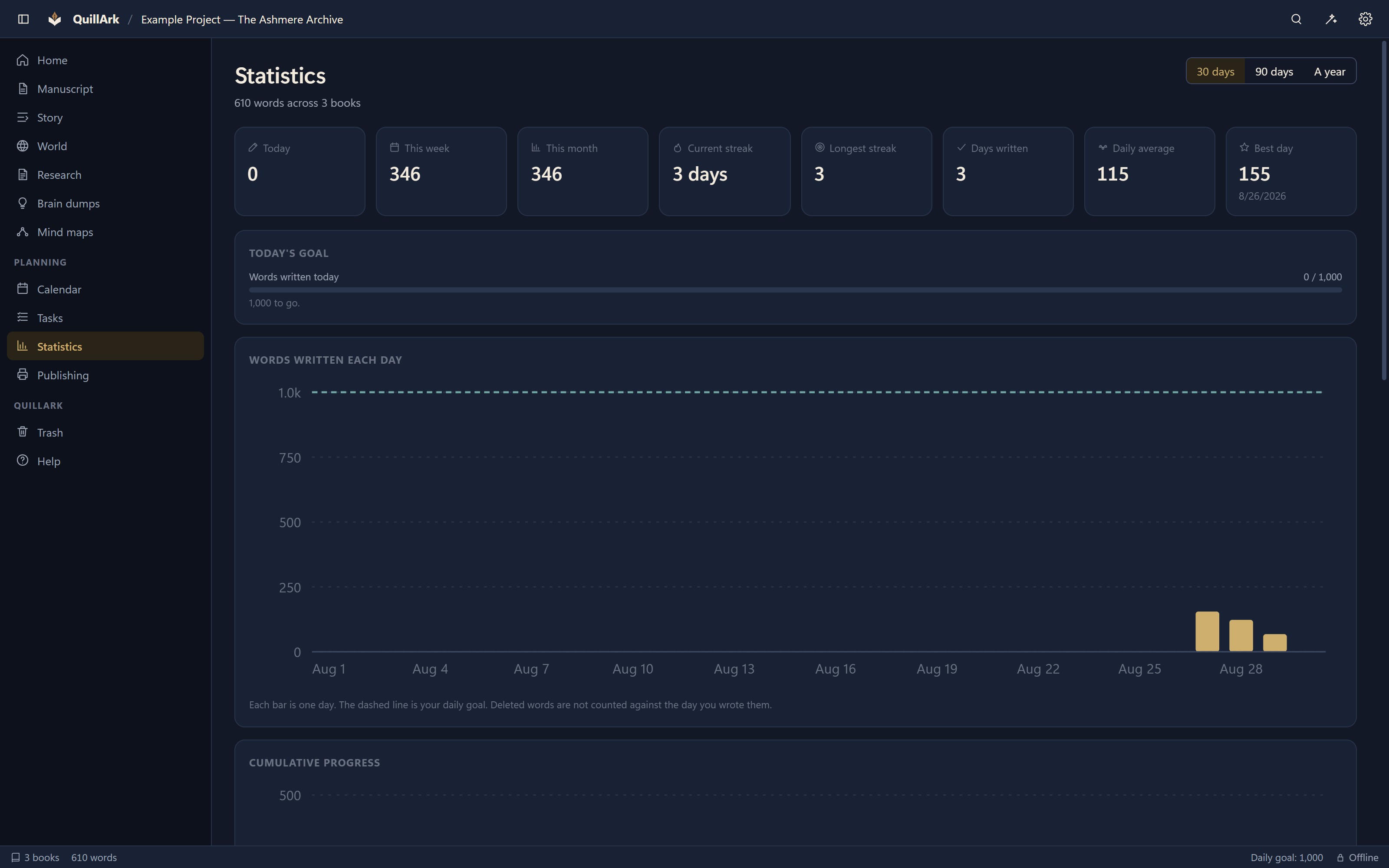
The manuscript
- Manuscript editor — Paragraph styles, bold, italic, underline, strikethrough, headings, lists, block quotes, alignment, indentation, superscript, subscript and special characters.
- Chapters, scenes and parts — Arranged by drag and drop, with rules that refuse an arrangement a manuscript cannot have.
- Front matter and back matter — Half title, title page, copyright, dedication, epigraph, contents, acknowledgements, glossary and more, as real parts of the book.
- Scene breaks — A marker that each export renders correctly for its own format.
- Local spell check — Hunspell dictionaries running on your machine, with suggestions and your own words added per project or globally.
- Every font on your computer — Searchable, starrable, and checked for whether its licence permits embedding in an export.
- Images with layout — Wrap left, wrap right, its own block, or inline, at a width set as a share of the text width.
- Find and replace — Whole-word and case options, across the open document.
- Focus mode and typewriter scrolling — For when the interface should disappear.
- Split view — One to four panes in any arrangement — split any pane in either direction, drag each divide on its own, holding chapters, characters, notes, arcs, mind maps, outlines, corkboards and images.
- Tabs for everywhere you work — Areas, books and projects open at the same time, each keeping its own pane arrangement, so checking a character does not cost your layout.
Story planning
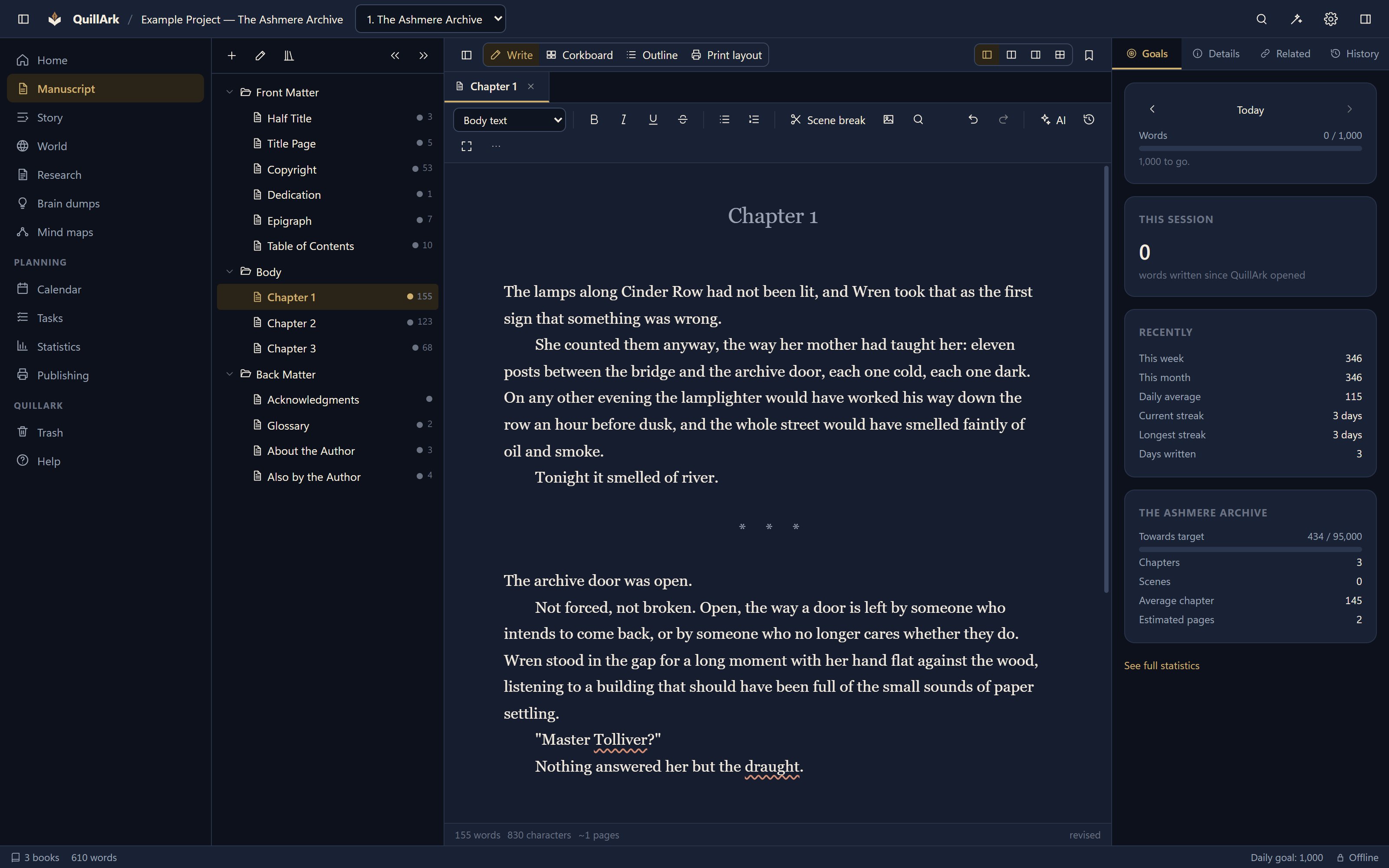
Working out what happens
- Outlines — A single editable table of the whole book.
- Corkboard — Summary cards you can rearrange, which are the same chapters.
- Story arcs, character arcs and plot threads — Broken into beats, each tied to the chapter where it lands, with coverage shown against the book.
- Scene metadata — Point of view, status, summary, labels, and the characters and places that appear.
- Mind maps — Automatic layout, collapsible branches, and nodes that link to chapters and records.
- Brain dumps — Catch an idea before it goes, then turn any part of it into a scene, a character, a note, a task or an arc.
- Unplaced scenes — Write a scene before you know where it goes, and place it when you do.
Worldbuilding
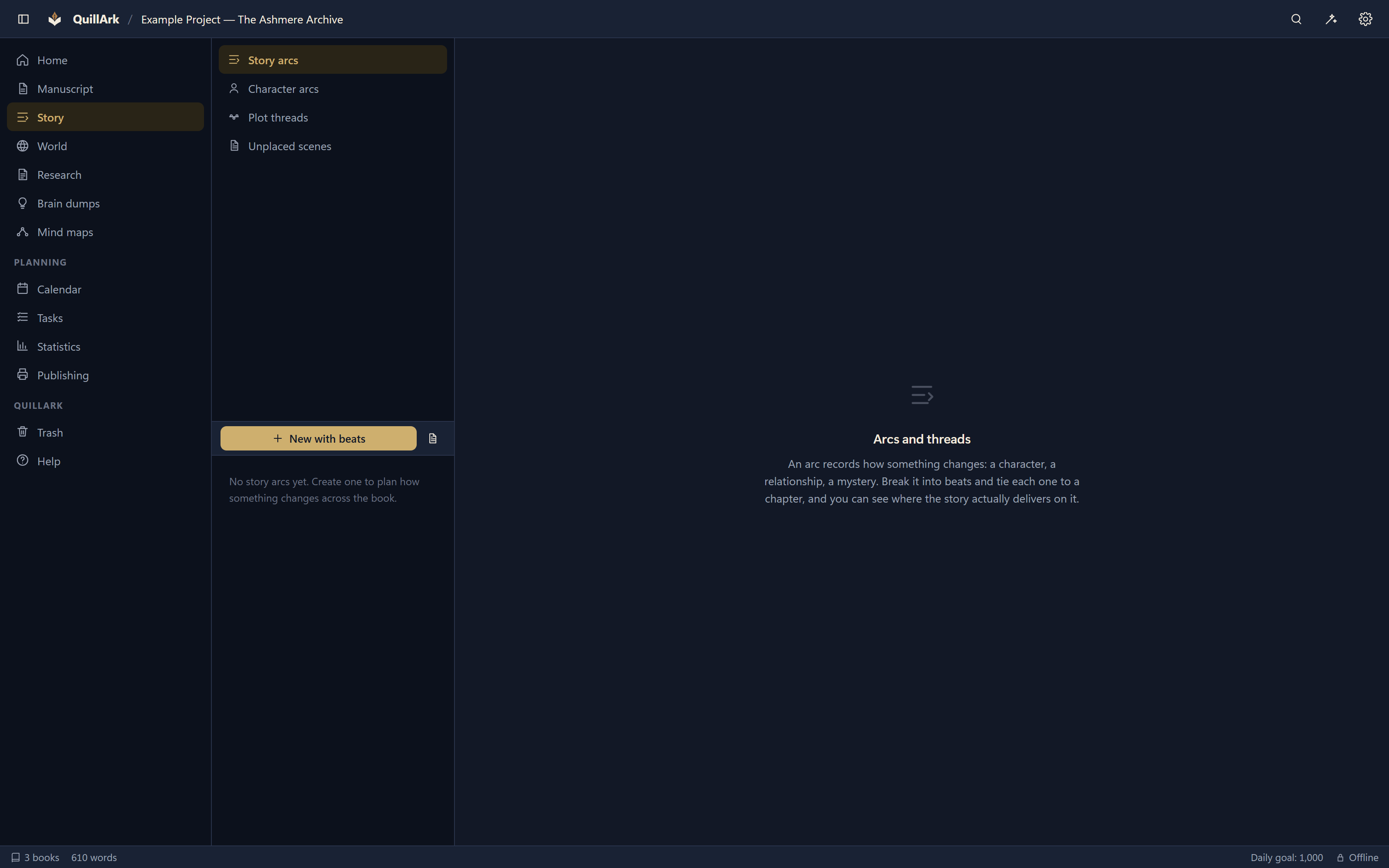
The world behind the book
- Twenty-five categories to start — Characters, locations, organisations, cultures, species, creatures, magic systems, artifacts, technology, languages, religions, governments, events, lore and more.
- Custom categories — Invent the ones your story needs; they get their own folder and their own fields.
- Custom fields — Each category records what that kind of thing actually has.
- Relationships — Typed links between records, and a graph of the whole web.
- Everything is a file — Each record is Markdown with a readable header. Open one in any editor and it makes sense.
Organisation
Finding things again
- Projects and multi-book series — A shared world across many books, each with its own manuscript and settings.
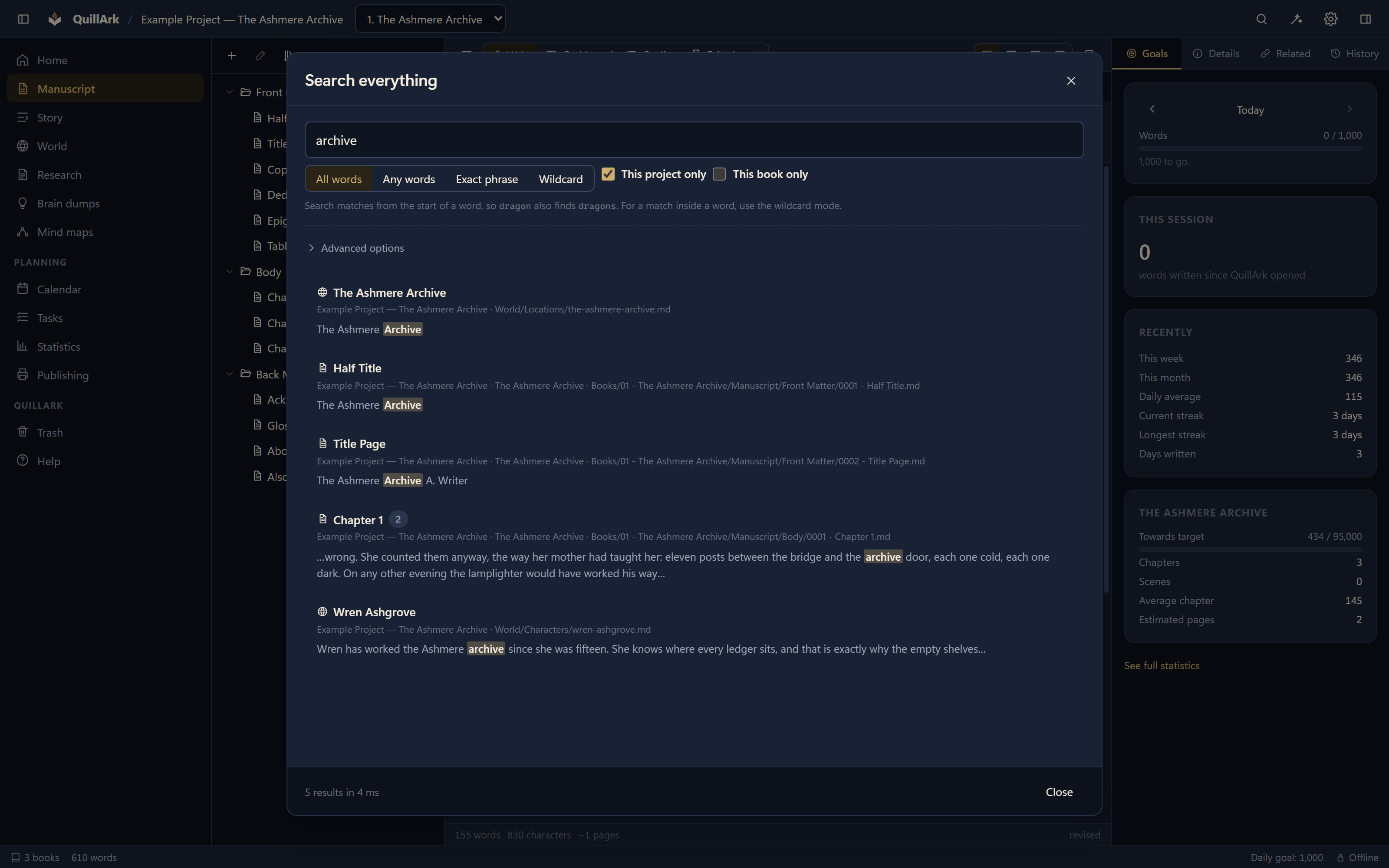
- Full-text search — Phrase, all words, any words and wildcards, across manuscripts, records, notes and metadata.
- Research — Notes with folders, tags and sources.
- Tasks — Due dates, priorities and project links.
- Calendar — Events tied to a project and a book.
- Saved layouts — Name an arrangement of panes and return to it.
Safety
Not losing the work
- Atomic saves — Written to a temporary file, flushed to disk, then renamed. An interrupted save leaves the old file or the new one, never half of either.
- Autosave — Debounced, with a maximum interval so a long unbroken stretch of typing still reaches disk.
- Revision history — Separate from autosave. Compare and restore, and restoring saves the current text first so it can itself be undone.
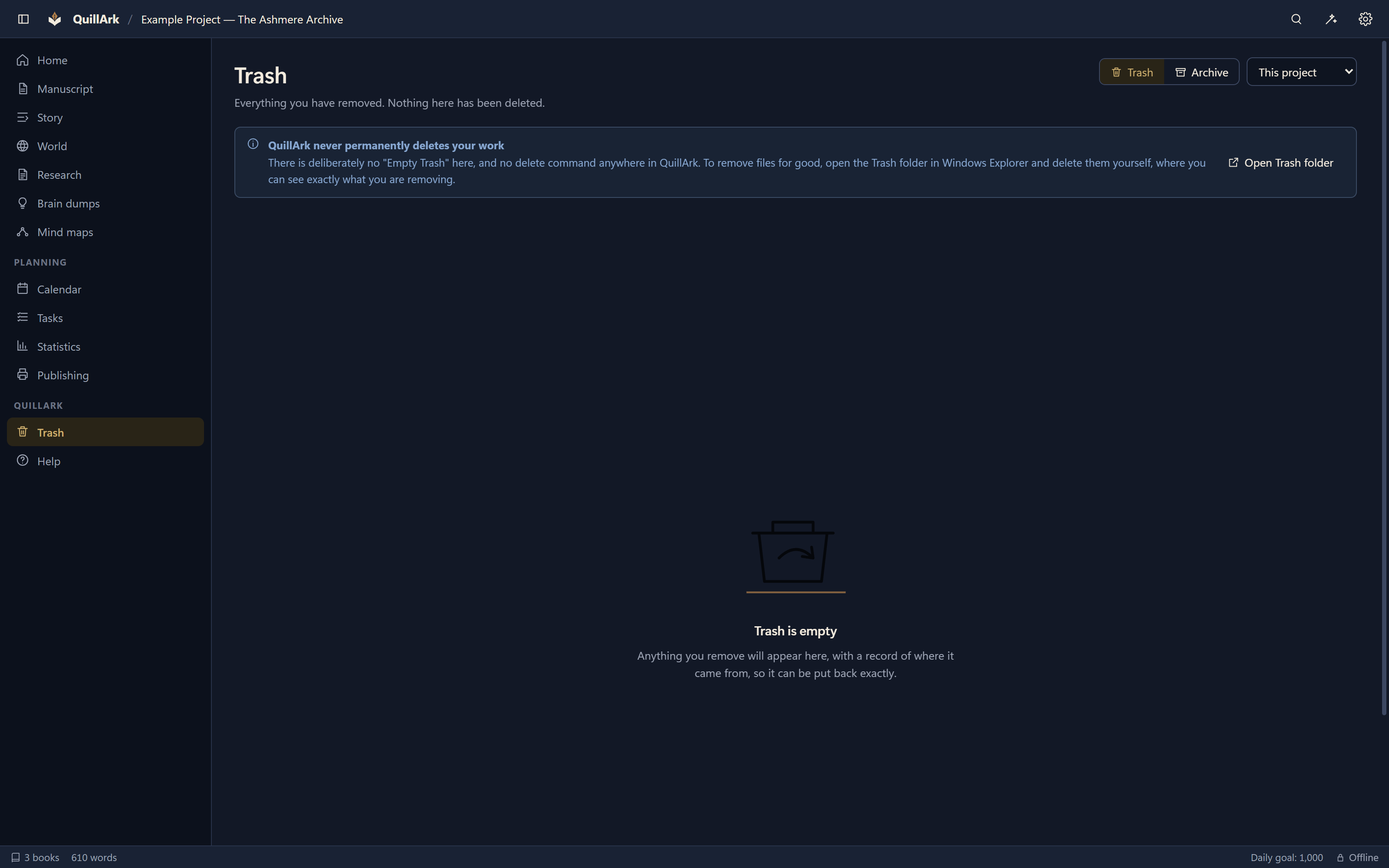
- Trash and Archive — Folder moves with a record of where each item came from. There is no permanent delete and no Empty Trash.
- Backups — On demand or on a schedule, skipping projects nothing has changed in, and sending surplus backups to the Recycle Bin rather than nowhere.
- Filesystem monitoring — Edit your files in another program and QuillArk notices. If a file changed on both sides, nothing is overwritten and you choose.
- Crash recovery — An unclean shutdown is noticed on the next start.
Publishing
Getting it out
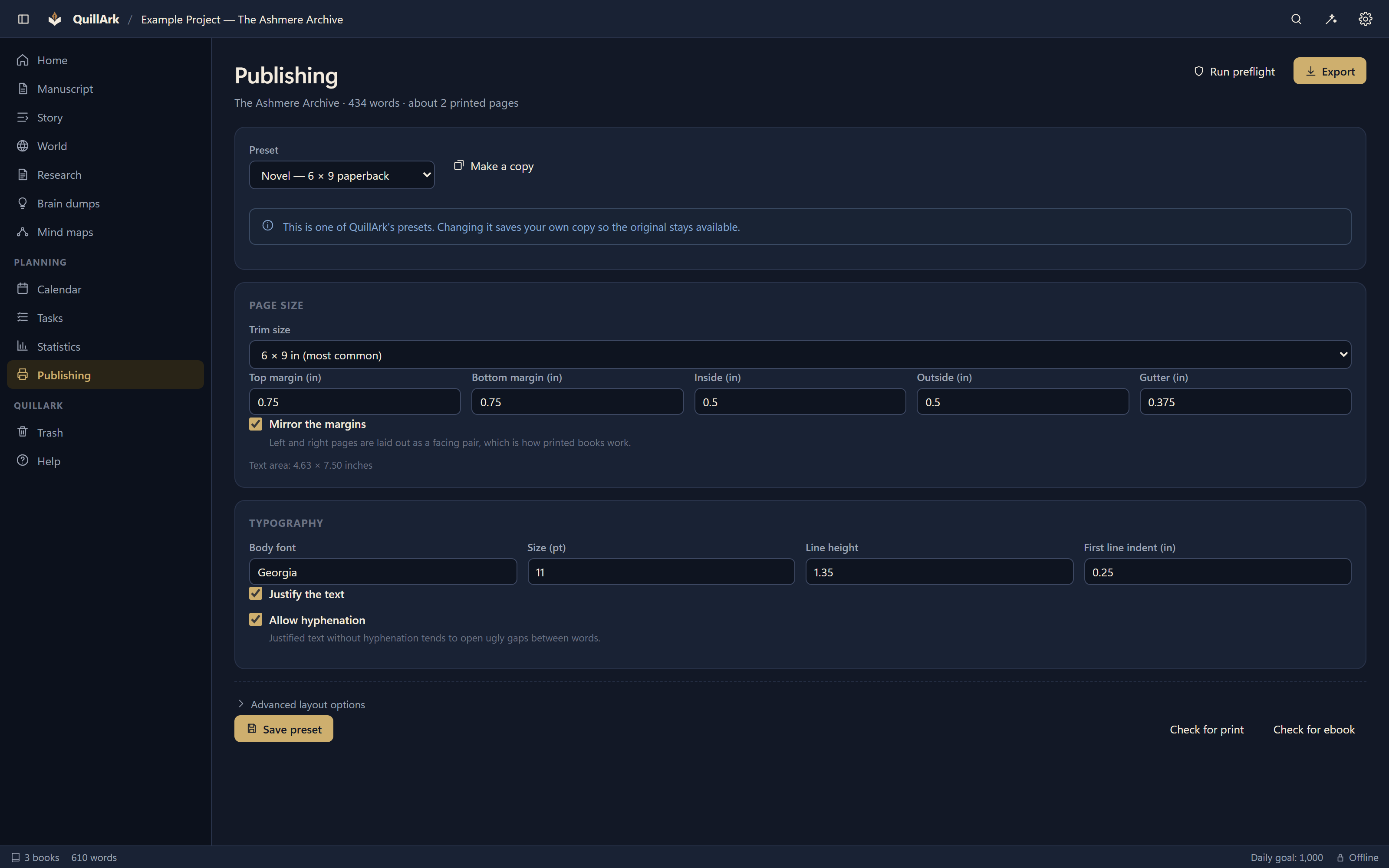
- Page layout — QuillArk composes its own pages, so the on-screen print view and the exported PDF come from the same code.
- Trim sizes and margins — 21 sizes, mirrored margins, gutters sized to the page count, and bleed.
- Running heads and folios — Recto and verso, with roman numerals through the front matter.
- Orphan and widow control — Paragraphs split with a minimum number of lines on each page.
- Preflight — Metadata, structure, empty documents, images, margins, page count, ebook readiness and fonts that are not installed.
- Export — PDF, EPUB 3, DOCX, a DOCX flavour for Google Docs, ODT, RTF, HTML, Markdown, plain text, and a full project archive.
- Import — DOCX, ODT, RTF, EPUB, PDF text, HTML, Markdown, plain text, CSV, JSON and YAML, with chapter detection you review first. Drop files on the window and build the list up before importing.
- Scene break styles — A marker of your choosing, or a PNG or SVG ornament of your own, drawn the same on screen as in the export.
- Search that lands on the words — A result opens the chapter, selects the phrase and scrolls to it, with the find bar ready to step through the rest.
Local AI
Help that stays on your machine
- Works with nothing installed — The built-in engine summarises chapters and scenes, extracts likely characters and places, and organises a brain dump.
- Local models — Connect Ollama or llama.cpp for a language model, running on your own computer.
- Checked before every request — The endpoint must resolve to your own machine. Anything else is refused before a request is made.
- Not the point of the product — QuillArk is a writing application. The AI is a tool in it, and everything works without it.

Analytics
Knowing where you are
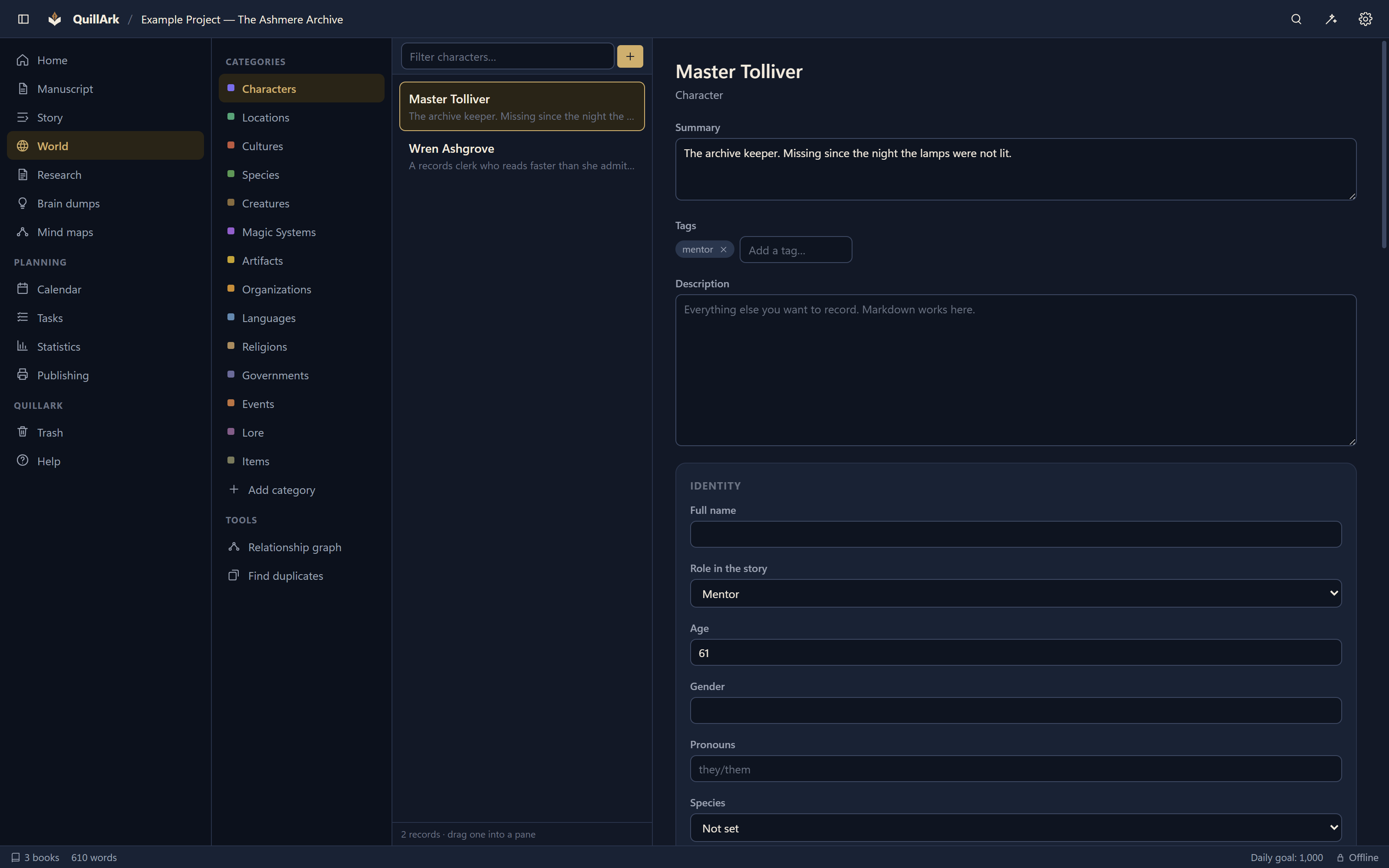
- Word and character counts — Live, for the document, the selection and the book.
- Writing history — Recorded as you write, not estimated: words per day, streaks, session lengths and daily averages.
- Goals — Daily, weekly and monthly, measured against that real history.
- Chapter statistics — Length, average, and progress towards a target.
- Point of view and appearances — Which character carries which chapter, and where each record shows up.