Brandon Mysliwiec Contact

Write the book. Build the world. Keep it yours.

QuillArk is a free offline writing studio for manuscripts, worldbuilding, research, planning, revision and publishing. It runs on your computer, and so does your work.
  • Free
  • Offline
  • No account required
  • Local AI
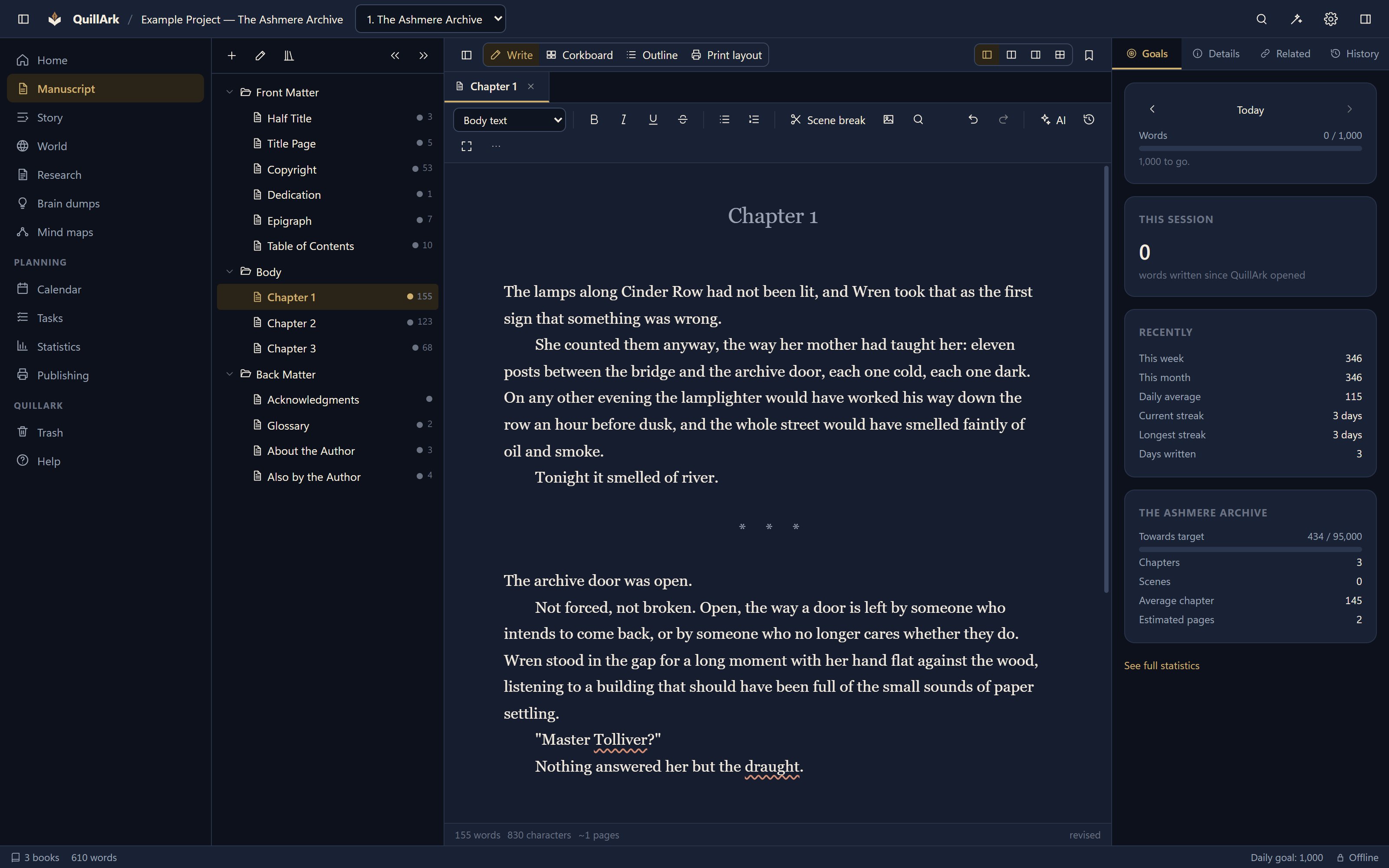
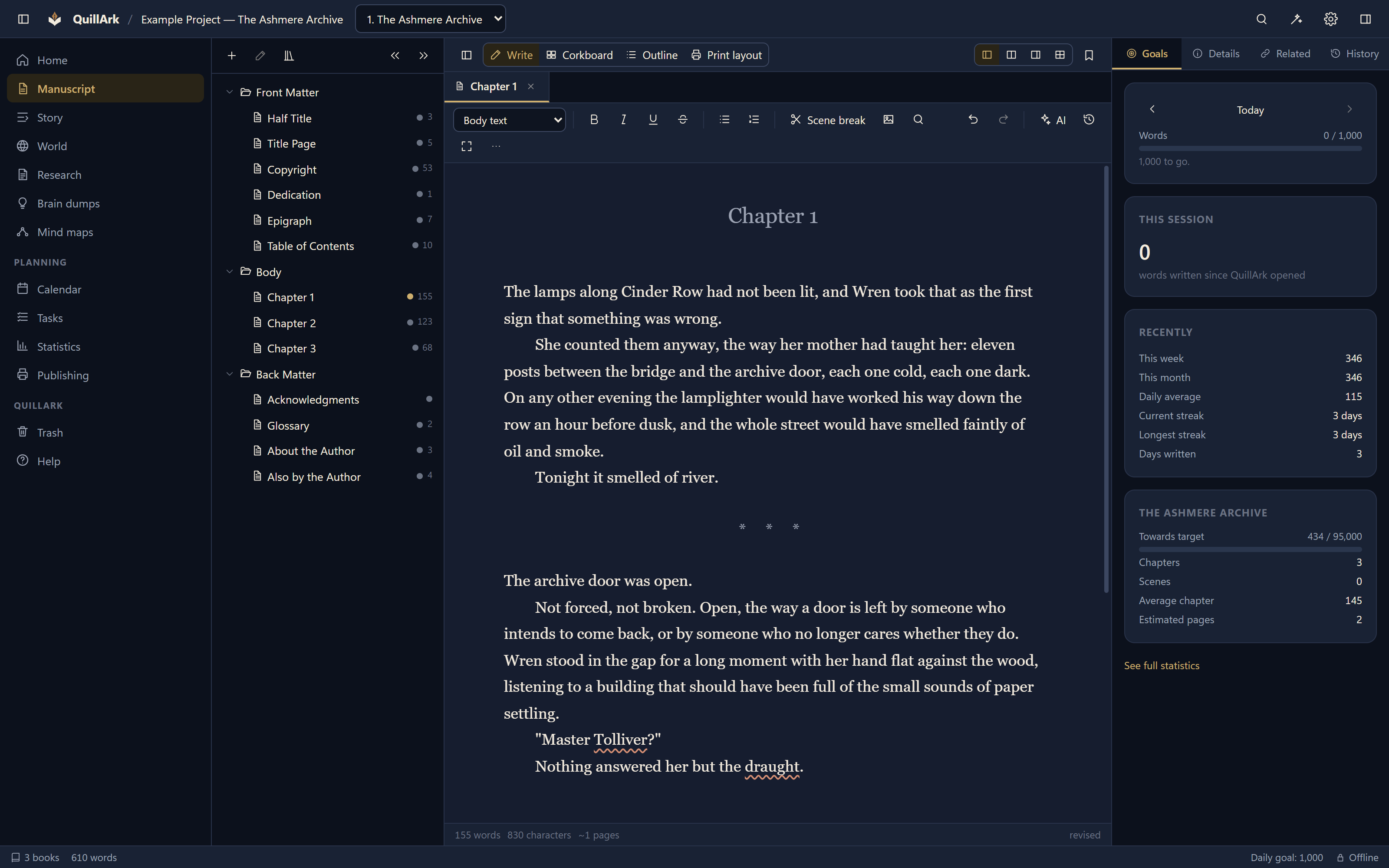
The QuillArk manuscript editor showing a draft chapter, with the formatting toolbar above it and live word counts in the status bar.

What QuillArk is

Everything your story needs, in one application.

Most writers end up with a manuscript in one program, a character list in another, research in a third and a publishing workflow held together by hope. QuillArk is the one place.

Write

A real manuscript editor with chapters, scenes, front matter and back matter, local spell check, autosave and revision history.

Build

Characters, locations, cultures, magic systems, technology, artifacts — and any category you invent, with the fields that suit it.

Organise

Research, brain dumps, mind maps, outlines, arcs, tasks and a calendar, all searchable across an entire series.

Publish

Page layout, trim sizes and margins, preflight checks, and export to PDF, EPUB, DOCX and six other formats.

The application

Your entire writing world. One application.

Every screenshot on this site is QuillArk actually running. Nothing here is an illustration of software that does not exist.
The QuillArk home screen listing writing projects with their genre, book count and word count, and the date each was last worked on.
The home screen, with each project's genre, length and last working day.

Manuscript

An editor built for long work.

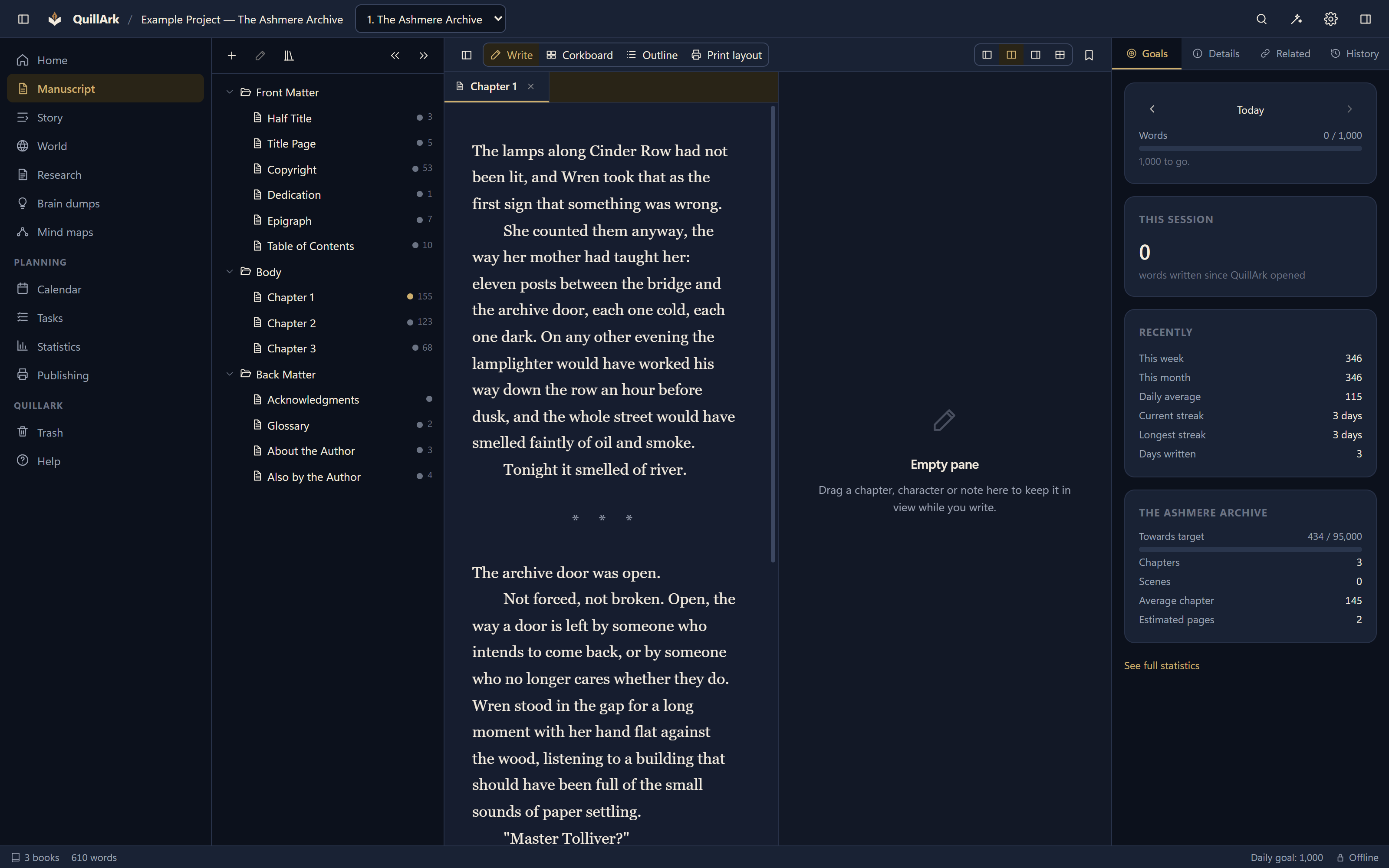
Chapters and scenes you can drag into a new order, with front matter and back matter as first-class parts of the book rather than an afterthought.
  • Local spell check using Hunspell dictionaries, with your own words added per project.
  • Autosave and revision history as separate systems, so restoring an old draft never costs you the current one.
  • Split view — up to four panes in any arrangement you like, with a chapter beside its outline, a character, a story arc or a mind map.
  • Tabs — areas, books and projects open at once, each keeping its own arrangement.
  • Focus mode and typewriter scrolling for when the interface should get out of the way.
  • Images with real layout: wrap left, wrap right, or its own block, at a width that holds its proportion at any trim size.
QuillArk in split view, with a manuscript chapter open in the left pane and a second document beside it in the right.
Split view: a chapter beside a second document.
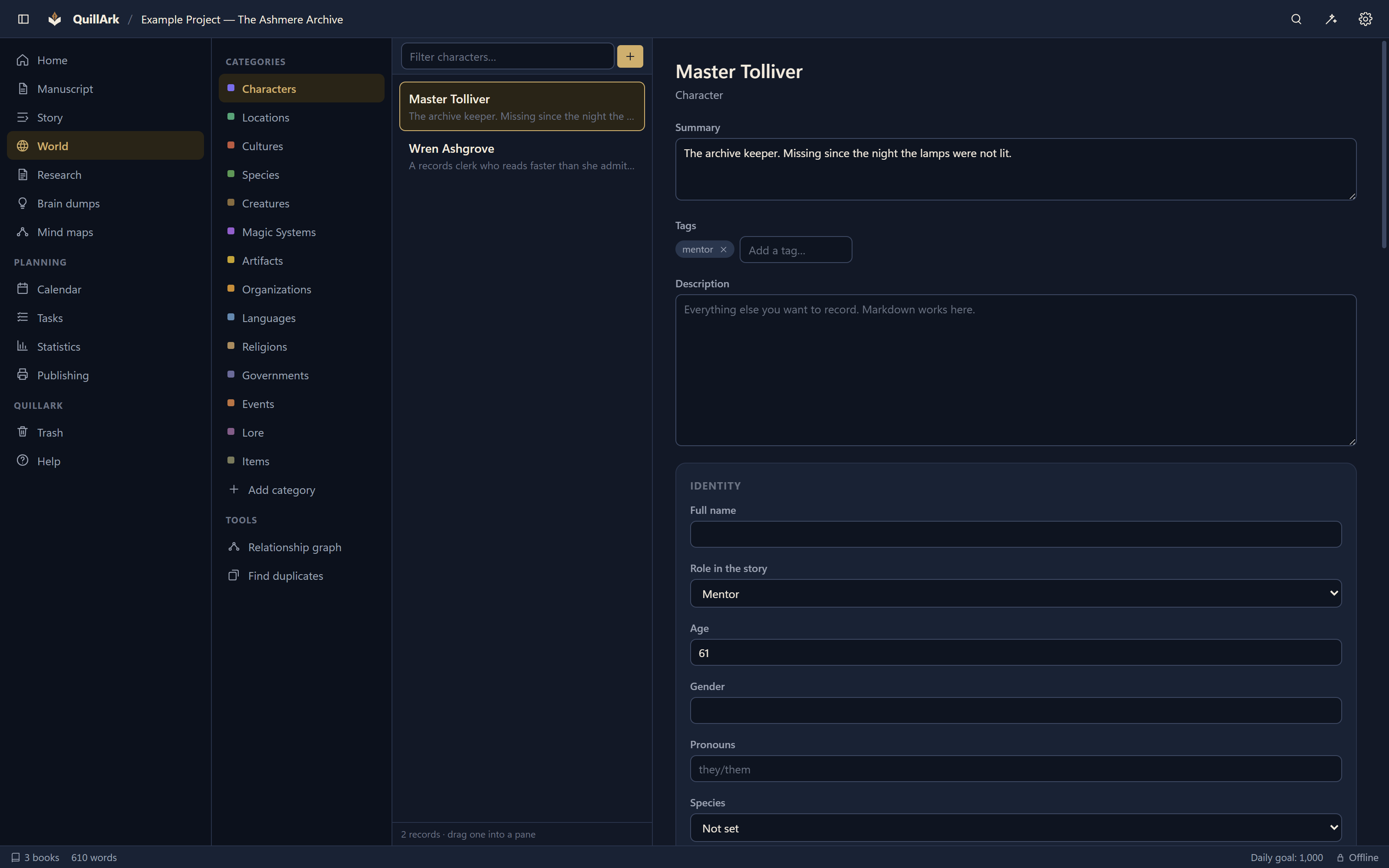
The QuillArk worldbuilding view listing characters, locations and other record categories, with a selected character profile open beside the list.
A character profile beside the record list.

Worldbuilding

A world that holds together.

Twenty-five categories to start with — characters, locations, organisations, cultures, species, creatures, magic systems, artifacts, technology, languages, religions, governments, events and lore — and room for any category your story needs.

  • Custom categories and fields, so a magic system records what a magic system needs.
  • Relationships between records, with a graph of the whole web.
  • Everything is a Markdown file with a readable header. Open one in Notepad and it makes sense.

Series

One shared world, many books.

A project can hold a single novel or an entire series. The characters, places and history are shared; each book keeps its own manuscript, metadata and publishing settings.
  • Search spans the whole project, so a detail from book one is findable while drafting book four.
  • Per-book targets and statistics, with progress measured against real recorded history.
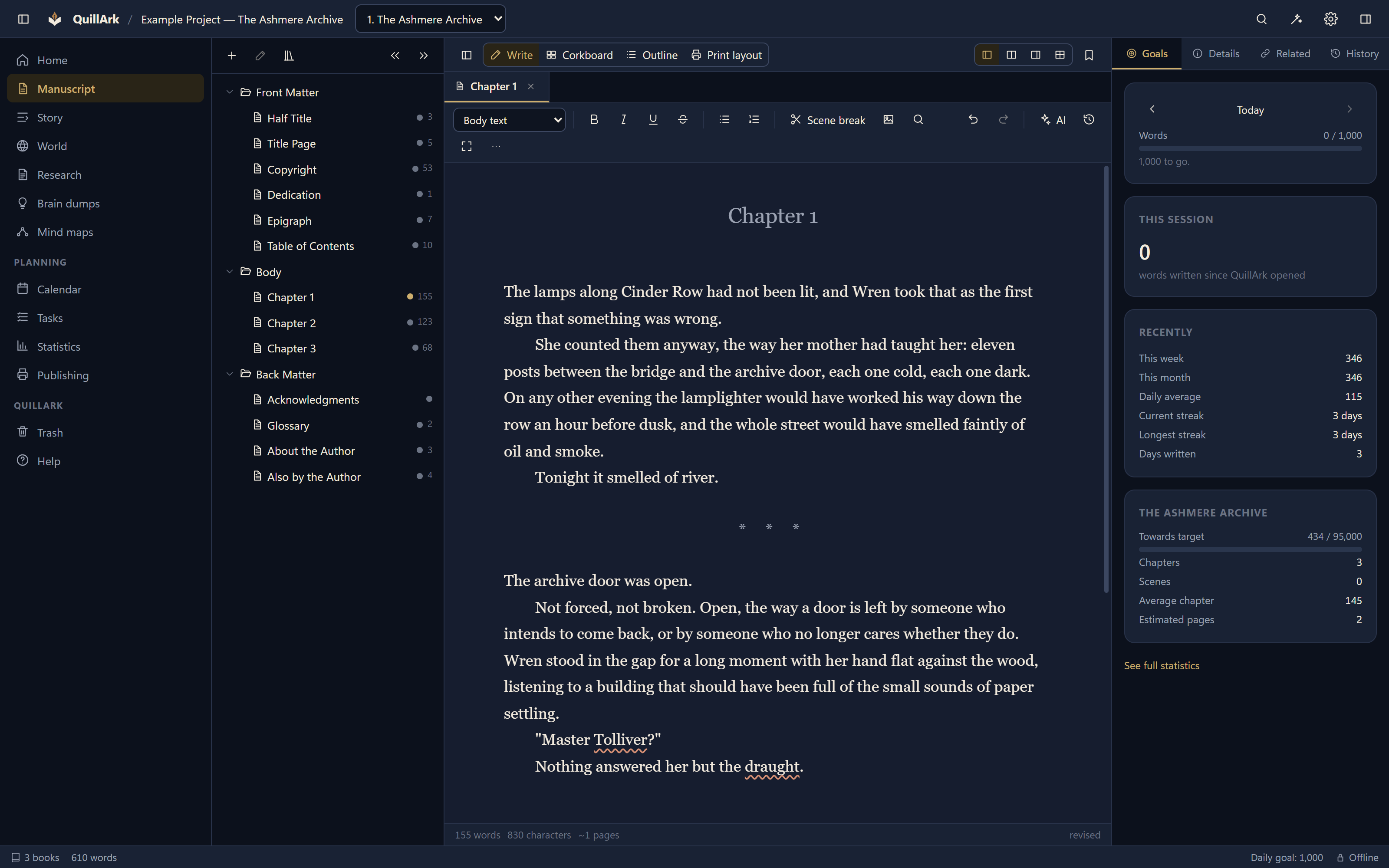
A QuillArk book open in the manuscript view, with front matter, chapters and back matter listed in a drag-and-drop tree beside the editor.
Front matter, chapters and back matter in one tree.

Research and planning

The thinking, kept with the writing.

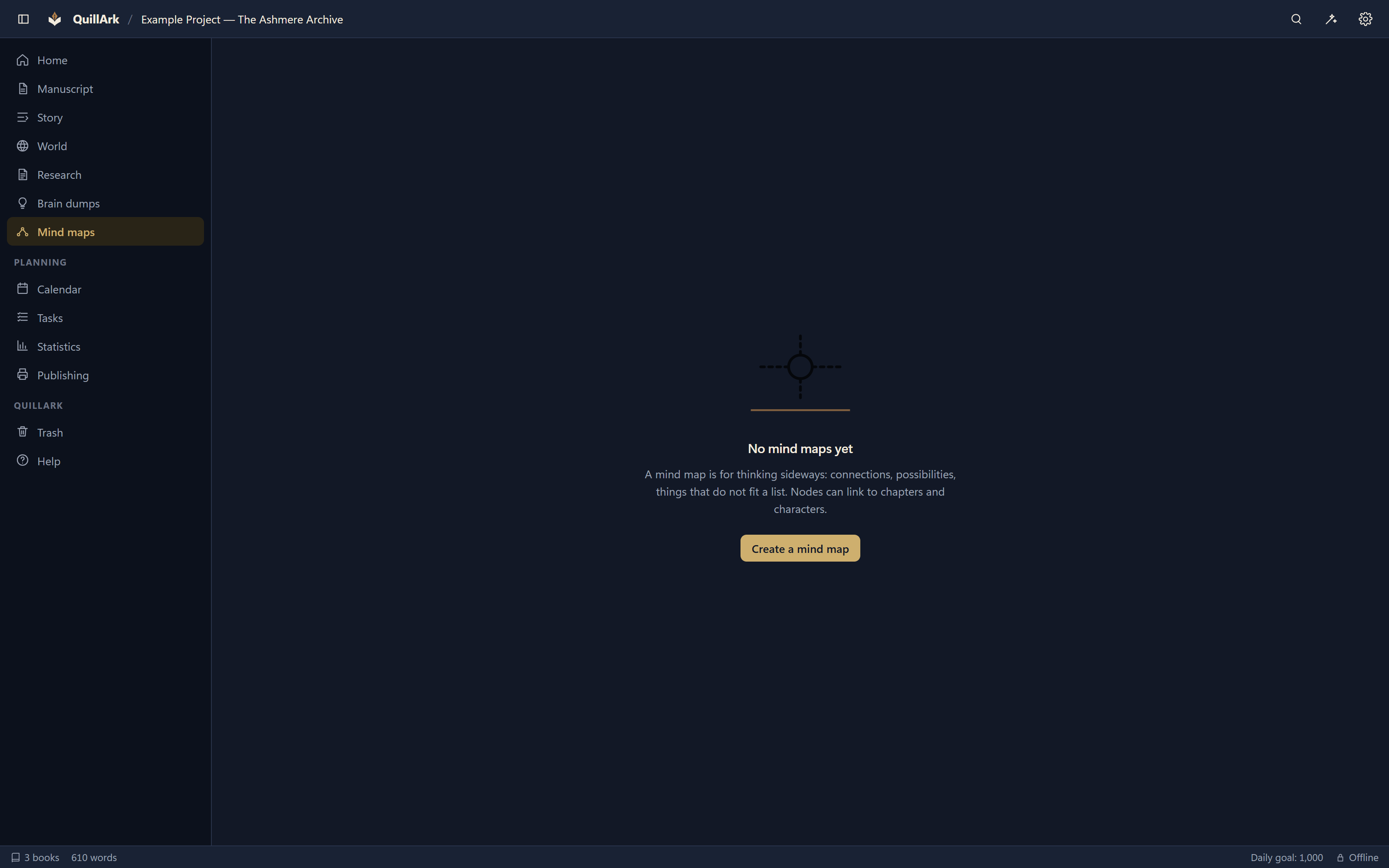
A QuillArk mind map with connected nodes laid out on a canvas, used for thinking through a story problem.
A mind map for a story problem.
  • Research notes with folders, tags and sources.
  • Brain dumps for catching an idea before it goes — later turned into a scene, a character, a task or an arc.
  • Mind maps with automatic layout and collapsible branches.
  • Outlines and a corkboard, both editable, both the same manuscript.
  • Story arcs broken into beats and tied to the chapters where they land.
  • Tasks and a calendar, attached to the project they belong to.
  • Unplaced scenes for writing something before you know where it goes.

Local AI

Help that never leaves your computer.

QuillArk includes an engine that summarises chapters, extracts likely characters and places, and organises a brain dump — with nothing to download and nothing to sign up for.

Connect a local Ollama or llama.cpp model and you get a language model too. Either way the endpoint is checked to be your own machine before a single request is made.

How the local AI works

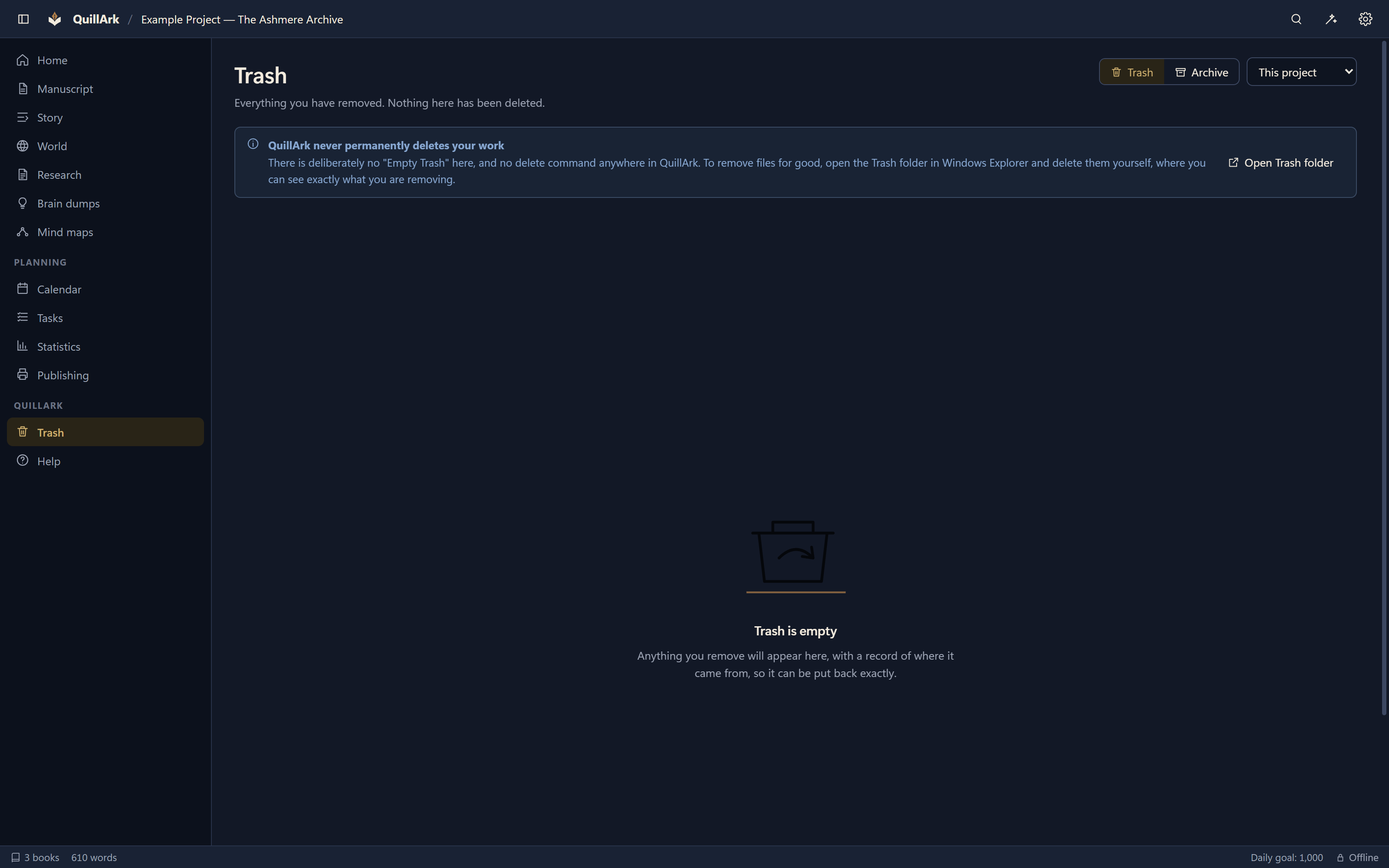
The QuillArk Trash view listing removed items with the date each was removed and a button to restore it.
Trash, with a record of where each item came from.

Safety

QuillArk cannot lose your work.

  • Every save is atomic — written to a temporary file, flushed, then renamed. A power cut leaves the old file or the new one, never half of either.
  • Revision history per document, with comparison and restore. Restoring saves the current text first, so a restore can itself be undone.
  • Trash and Archive are folder moves with a record of where each item came from.
  • There is no permanent delete anywhere in QuillArk, and no Empty Trash. Removing files for good is something you do in Explorer, where you can see what you are removing.
  • Scheduled backups that skip a project nothing has changed in, and send surplus backups to the Recycle Bin rather than nowhere.

Publishing

From draft to a file a printer will accept.

QuillArk composes its own pages, so the layout you see on screen and the layout in the exported PDF are produced by the same code and cannot drift apart.
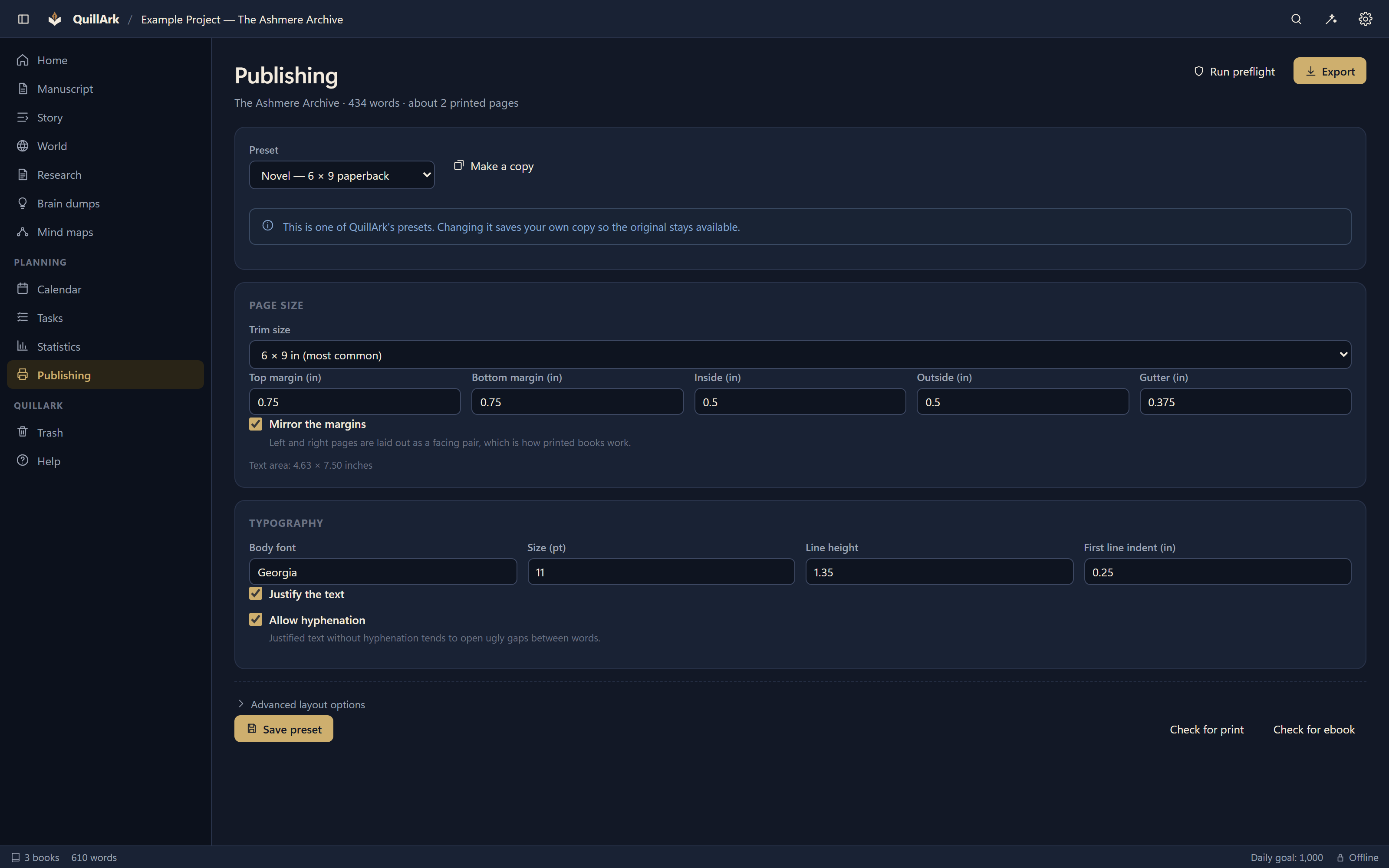
  • 21 trim sizes, mirrored margins, gutters sized to the page count, running heads and roman-numeral front matter.
  • Preflight that checks metadata, structure, images, margins, page count and fonts before you export.
  • PDF, EPUB 3, DOCX, ODT, RTF, HTML, Markdown, plain text and a full project archive.
  • Formatting suited to common Amazon KDP print workflows.
See the publishing tools
The QuillArk publishing view showing a print preset with trim size, margins and typography, beside a preflight report.
A print preset with its preflight report.

Your files

Ordinary folders. Ordinary files.

Every chapter is a Markdown file. Every character is a Markdown file with a readable header. The reading order is a YAML file you can edit by hand. There is no QuillArk database holding your book hostage.

You do not need QuillArk to read your work — now, or in twenty years. This reassembles an entire book in reading order using nothing but standard shell tools:

grep -oP '(?<=file: ).*' manuscript.yaml | while read -r f; do cat "$f"; done

Privacy

Your manuscript doesn't need the Internet.

No account. No sign-in. No telemetry. No analytics. No advertising. Nothing about your book is uploaded, because there is no code in QuillArk that could upload it.

No account

You install it and you write. There is nothing to register and nothing to verify.

No transmission

The only socket QuillArk can open is to a local AI engine on your own machine, and the address is checked before any request.

Your folder

Projects live where you put them. Uninstalling QuillArk does not touch them.

Price

Professional doesn't have to mean subscription.

QuillArk is free. There is no paid tier, no trial that expires, no feature held back, and no upsell inside the application.

If it earns one, a thank-you is welcome. Nothing depends on it.

Screenshots
See it before you install it.

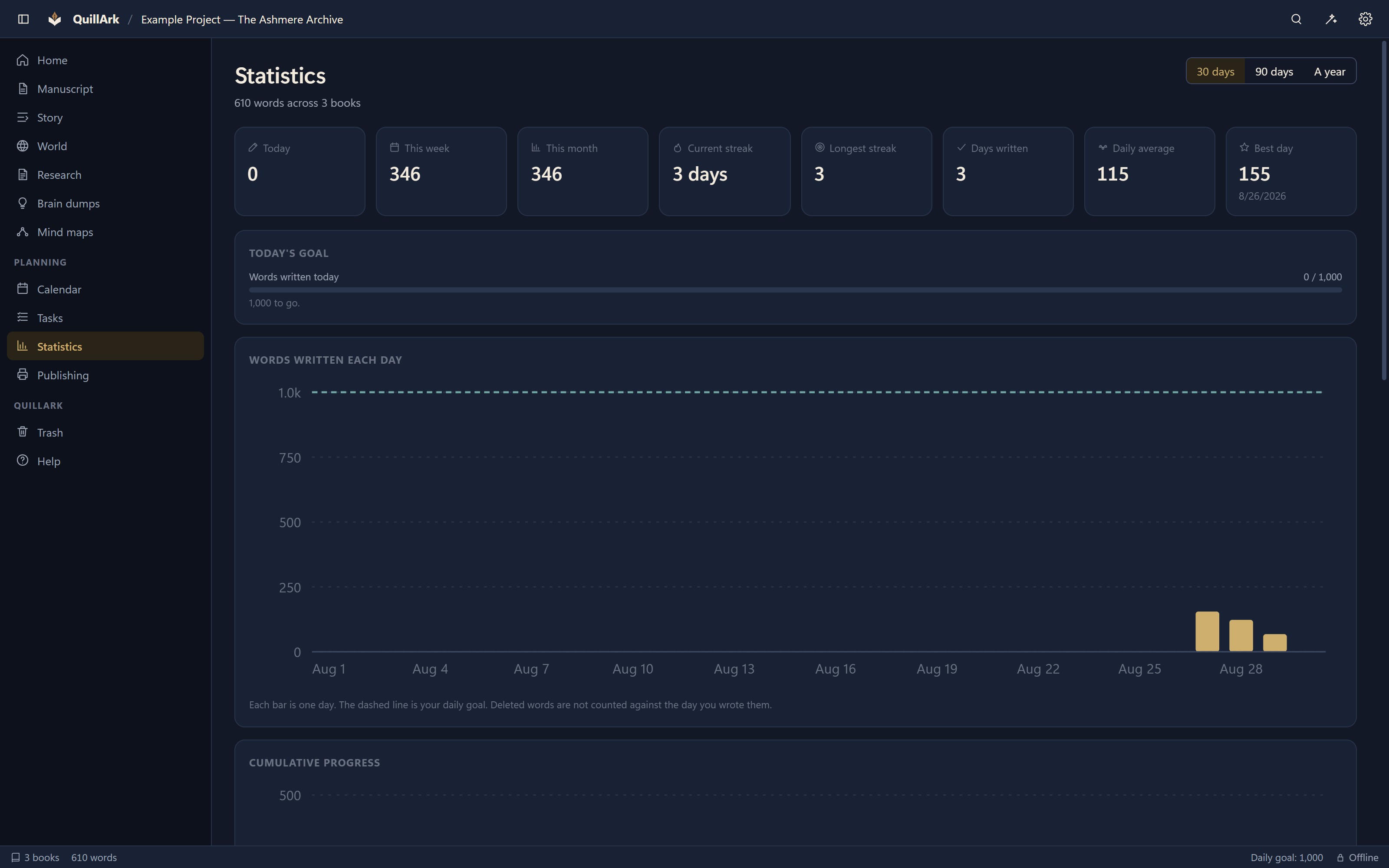
The QuillArk statistics view charting words written over time, writing streaks and per-chapter word counts.
Statistics, from a real recorded writing history.
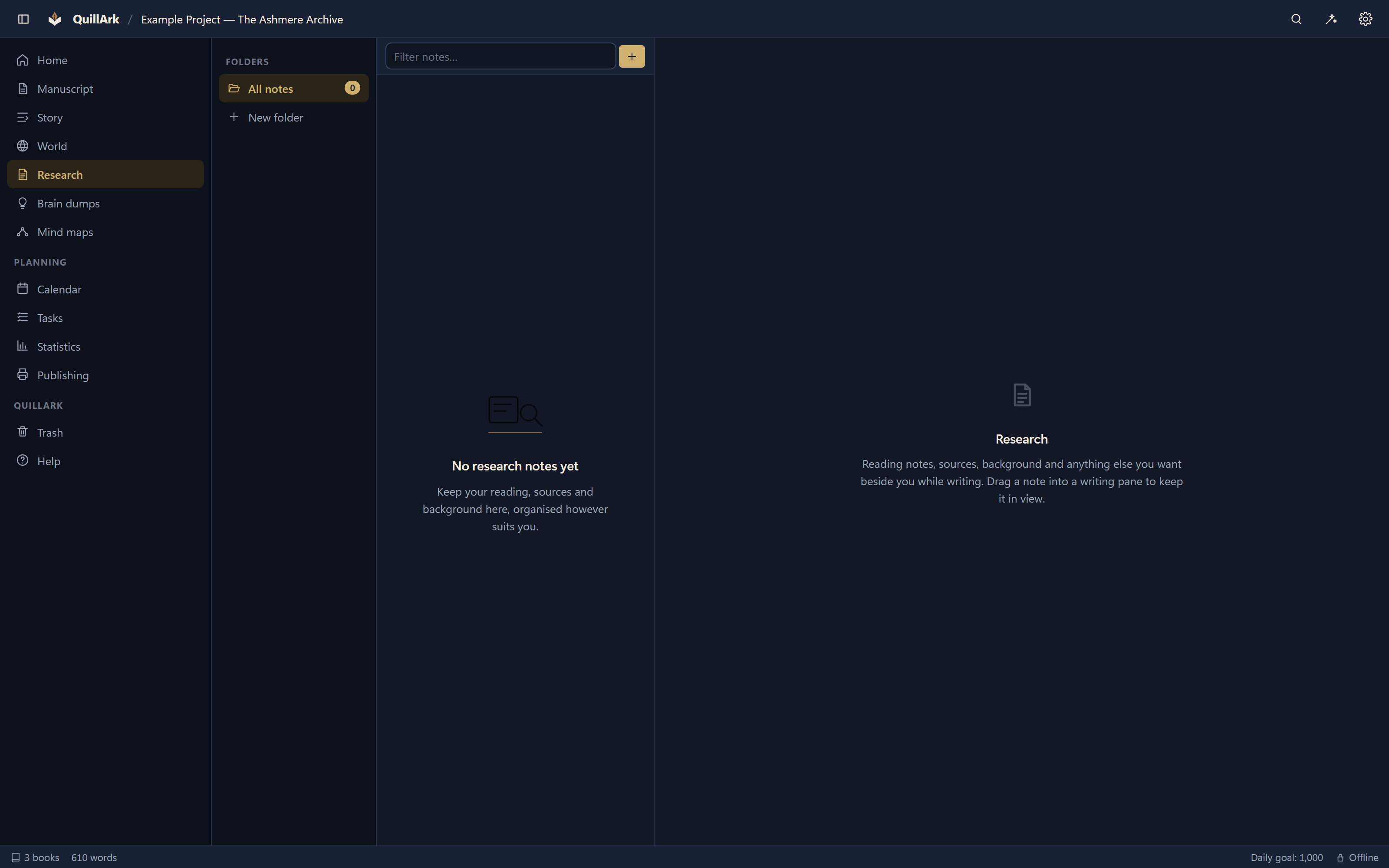
The QuillArk research view with notes organised in folders and one note open for reading.
Research notes, organised the way you like.

Your next story already has a home.

QuillArk 1.4.0 for Windows and Linux. Free, offline, and yours to keep.

  • No subscription
  • No account required
  • Works offline
  • No manuscript upload